


Wix has a bit of a history when it comes to SEO – some of it earned, some of it outdated. If you’ve heard that Wix isn’t great for getting your site to show up on Google, that reputation mostly comes from earlier versions of the platform. But things have changed. Today, Wix packs in a range of built-in SEO tools, AI helpers, and Google integrations that aim to make optimization easier for beginners and non-coders.
Still, the question isn’t just whether Wix has SEO features – it’s whether they work well enough to help your site actually rank. That’s what we’ll dig into here. If you’re weighing Wix for a new site or trying to improve visibility on one you already built, this guide should give you a clearer picture of what you can expect and where the limits might be.
So, Is Wix Really Good for SEO?
For a long time, the answer was complicated. In its earlier years, Wix had a rough reputation when it came to SEO. Developers complained about messy code, limited control, and awkward URLs. And those complaints weren’t just nitpicks. Back then, it really was harder to get a Wix site to perform well in search.
But fast-forward to today, and the picture looks very different. Wix has gone through a full makeover behind the scenes. They’ve added tools, improved performance, and brought SEO front and center in their dashboard.
So, is Wix finally good for SEO? That depends on what you need, and how much you’re willing to work with what the platform offers.
How We Approach SEO on Platforms Like Wix
At Lengreo, we focus on delivering SEO strategies that are practical, measurable, and tailored to each client’s real-world setup. Platforms like Wix come with their own set of limitations, but that doesn’t mean strong SEO performance is out of reach. The key is understanding how to use the available tools in the right context.
When a client’s site is built on a platform with more guardrails, like Wix, we adapt by leaning into what’s controllable – structured content, smart internal linking, optimized metadata, and clear site architecture. These factors consistently drive impact across industries, whether the platform is Wix or another website builder. Our approach goes beyond chasing rankings for the sake of it. Instead, we prioritize qualified organic traffic and real conversion opportunities that support broader business goals.
What’s Changed in Wix’s SEO Toolkit
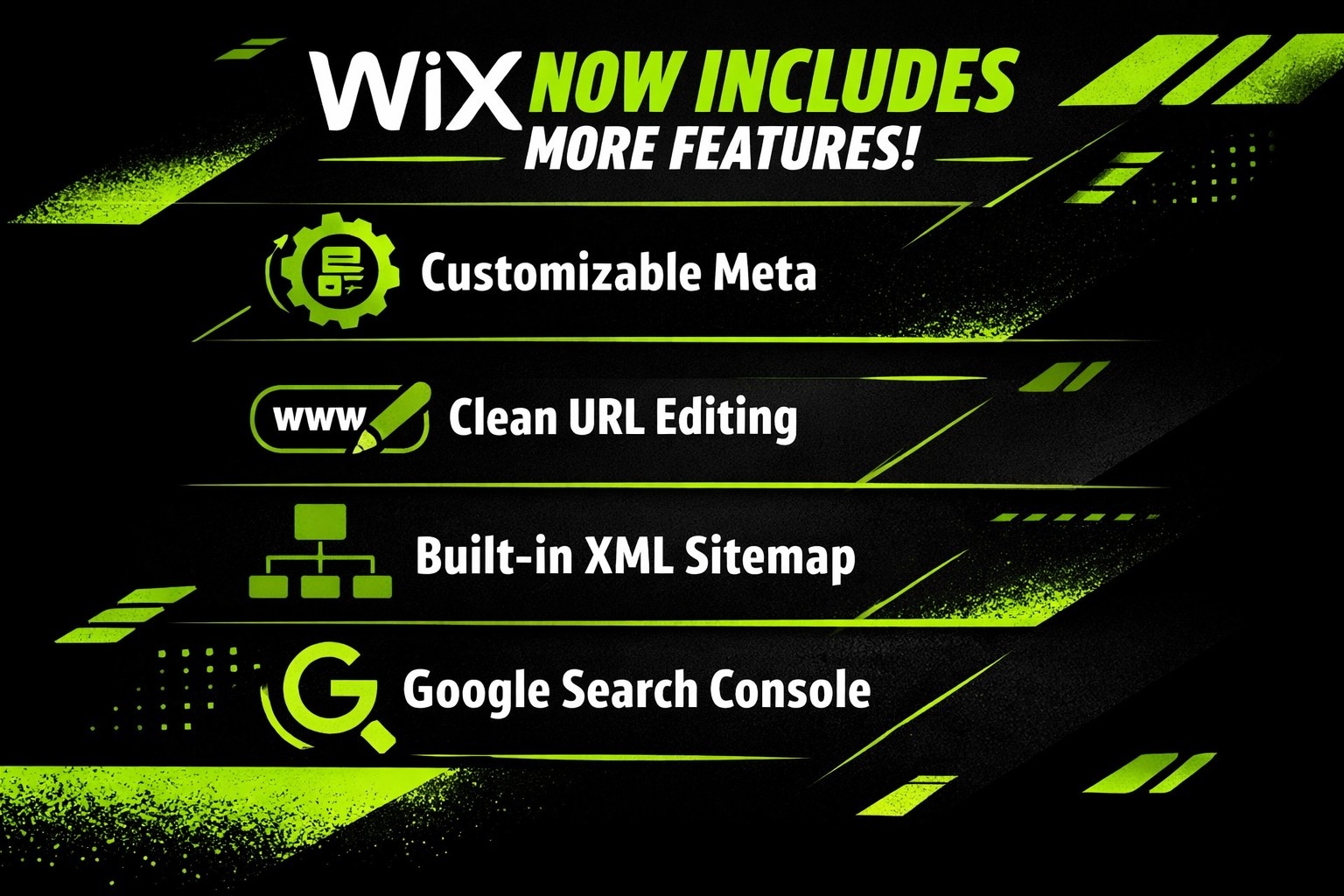
Let’s start with the basics. Wix now includes a lot of the features you’d expect from a modern website builder:
- Customizable meta titles and descriptions.
- Clean URL editing with automatic redirects.
- Built-in XML sitemap generation.
- Google Search Console and Analytics integrations.
- Mobile-responsive templates.
- SSL by default.
- Image alt text editing.
- Canonical tags.
- Structured data (on select pages).
And on top of that, they’ve layered in tools like:
- An AI SEO Assistant that flags issues and suggests fixes.
- A setup checklist for new sites.
- A page speed dashboard with real-time performance metrics.
- AI‑assisted SEO recommendations and diagnostics within the Wix dashboard.
All this adds up to a pretty well-rounded set of tools, especially for beginners or solo site owners who don’t want to dig through code.
Where Wix Stands Out for Everyday SEO Needs
Let’s give credit where it’s due: Wix has done a solid job making SEO accessible. If you’re new to optimizing a site, there’s a lot here that will help you get moving in the right direction without needing a plugin or developer.
You Get a Guided Start
Wix’s SEO Setup Checklist isn’t groundbreaking, but it’s incredibly helpful when you’re just starting out. It prompts you to connect to Google tools, set up basic metadata, and add key pages like a homepage, contact page, and about section. It’s like a built-in onboarding coach that nudges you to cover your bases.
Metadata and URLs Are Easy to Customize
On each page, you can set custom titles, meta descriptions, and slugs. You can also choose whether a page should be indexed or not. This kind of control is essential, and Wix makes it easy to find without digging through layers of menus.
Automatic Redirects Save You Headaches
Whenever you change a page URL, Wix asks if you want to create a redirect from the old link to the new one. This is crucial for keeping your search rankings intact, and Wix handling this automatically is a small but meaningful win.
What Still Feels Clunky or Limited
That said, Wix isn’t perfect. There are still a few technical sore spots that show up as your site (or ambitions) grow.
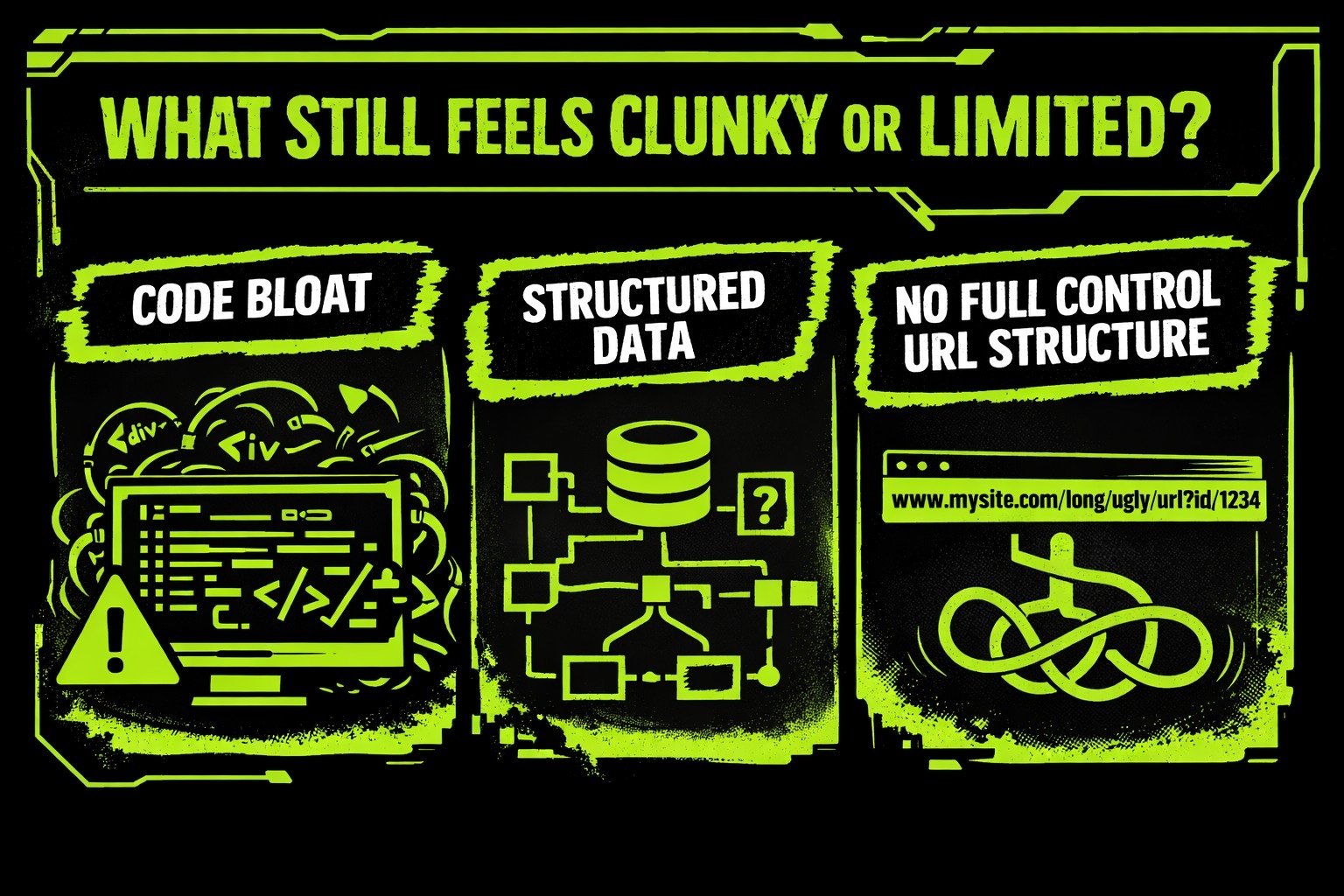
Code Bloat and Speed Limits
Wix sites tend to come with a lot of extra code. That’s the tradeoff of drag-and-drop convenience. Unfortunately, this can make your site slower to load, especially if you’ve packed in animations, apps, or heavy media.
While Wix has improved its infrastructure with features like automatic caching and CDN delivery, it’s still not the fastest platform out there. You won’t notice this much on a lean blog or portfolio, but for content-heavy or eCommerce sites, it can be a drag.
Structured Data Is More Flexible, but Still Limited
Wix supports structured data through customizable JSON‑LD, allowing users to add and manage schema markup across different page types, including blogs, products, and custom pages. This provides flexibility for standard SEO use cases and lets site owners implement common schema types without external plugins.
However, more advanced scenarios still require manual work. Combining multiple schema types or creating highly customized markup depends on writing and maintaining JSON‑LD yourself. Wix does not offer a dedicated schema testing or preview tool inside the editor, so validation must be done using external tools. Compared to platforms that provide built‑in schema previews or automation, this approach can feel less streamlined.
No Full Control Over URL Structure
You can edit the slug (the end part of the URL), but some content types are locked into folders like /blog/ or /products/, and you can’t remove them. For most users, this won’t be a dealbreaker, but for SEO purists who want total control over site architecture, it’s a constraint worth noting.
How Wix Handles Mobile SEO
With mobile-first indexing being Google’s default now, responsive design is non-negotiable. Wix has made sure every template adjusts to different screen sizes, and there’s even a dedicated mobile editor view where you can tweak the layout just for smartphones.
Here’s what works:
- Templates are mobile-friendly out of the box.
- You can hide or reorder elements for mobile without affecting desktop.
- There’s a layout optimizer that helps adjust spacing and image size.
And what to watch for:
- Some animations or third-party apps don’t perform well on mobile.
- You still need to manually check layout consistency after major edits.
- Larger images can slow down load time on phones if not compressed.
Bottom line? Wix does most of the mobile SEO heavy lifting for you, but it pays to preview and tweak your layout before you hit publish.
AI Features: Helpful, but Not a Magic Wand
Wix has leaned into AI in the last couple of years. The AI SEO Assistant lives inside the dashboard and flags common issues like missing tags, thin content, or unlinked pages. It also offers explanations in plain language, which helps demystify SEO for non-experts.
There’s also a newer tool called AI Visibility Overview, which tracks mentions of your brand across generative AI tools like ChatGPT and Gemini. It’s not something that directly improves rankings, but it’s a forward-thinking way to monitor how your site is surfacing in new channels.
That said, these AI tools won’t do the work for you. You’ll still need to:
- Refine AI-generated titles and descriptions.
- Write original content with real value.
- Plan your internal linking manually.
- Stay on top of performance and keyword trends.
Think of Wix’s AI as a friendly assistant, not an expert strategist.
SEO for Larger Sites: A Mixed Bag
If you’re managing a blog with hundreds of posts or running a product-heavy eCommerce store, Wix can start to feel limited in certain areas.
Here are a few reasons why. There’s no built-in way to bulk-edit image alt text or metadata, which can slow down large-scale updates. Filtering and tagging options for content management are relatively basic. The platform doesn’t provide access to server-level settings or advanced technical SEO controls, such as crawl directive configuration. And while Wix includes performance features like automatic caching and CDN delivery, it lacks fine-tuning options like lazy loading control or script deferral.
In short, Wix is built for simplicity. That’s a strength for small and mid-sized sites, but once your SEO needs become more complex, the platform may not offer the depth required for full-scale optimization.
What Wix Gets Right with Google Integration
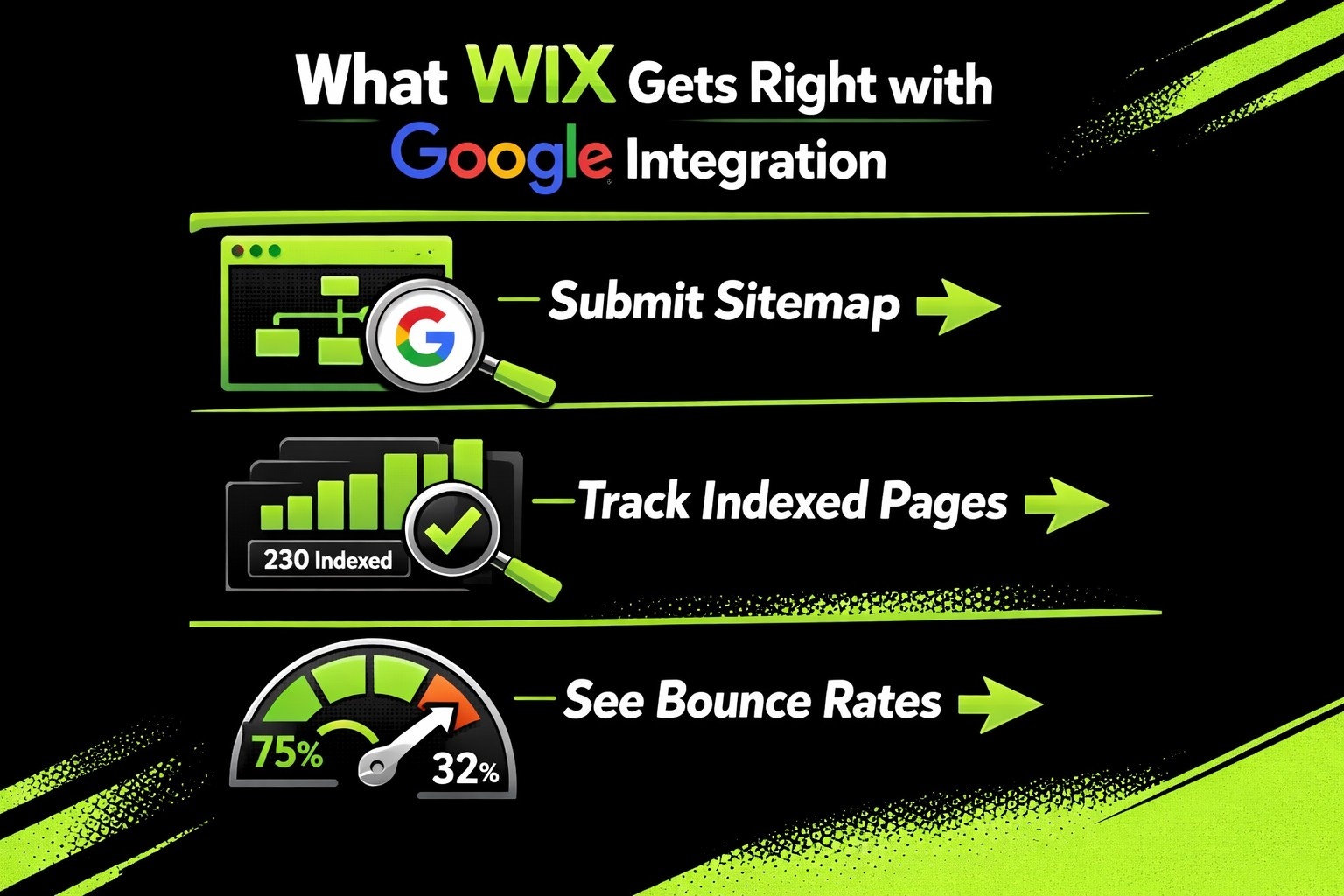
Wix connects smoothly with Google Search Console and Google Analytics. You don’t need to mess with code snippets – just drop your verification ID into the dashboard, and you’re good to go.
This makes it easier to:
- Submit your sitemap (which Wix generates automatically).
- Track indexed pages and search performance.
- See bounce rates, time on page, and click-through rates.
The only catch? Wix supports Google Tag Manager integration, but advanced event tracking may require manual configuration.
Security, Accessibility, and Trust Signals
Beyond rankings, SEO is also about user trust, and Wix does well here:
- SSL is automatically included on every site.
- HTTPS is enforced sitewide.
- Image alt text fields are easy to access (though not bulk editable).
- Pages load securely and comply with modern browser requirements.
You won’t need to pay extra or configure certificates yourself. That’s one less thing to worry about if you’re trying to get live quickly without compromising trustworthiness.
Real Talk: Who Should Use Wix for SEO?
Let’s boil this down. Wix works best for people who want SEO tools that:
- Are easy to find and understand.
- Don’t require code or plugins.
- Cover most of the essentials without deep customization.
If that’s you, maybe a freelancer, a startup founder, a local business, or a blogger, Wix is a solid pick.
Where it starts to feel less ideal:
- Large-scale content operations.
- Advanced eCommerce stores with complex product trees.
- Agencies managing multiple sites.
- SEO teams, needing full control over structure, schema, and speed.
In those cases, WordPress or a headless CMS might give you the extra flexibility you’re looking for.
Tips to Get the Most SEO Value from Wix
Before we wrap up, here’s a short checklist to help you squeeze the most out of Wix’s SEO features:
- Customize every title and meta description manually: AI can help, but you should still make sure everything is clear, accurate, and engaging.
- Use short, descriptive URLs: Include your target keyword when possible, and avoid unnecessary words.
- Preview and optimize your mobile layout: Clean up spacing, test font sizes, and compress large images.
- Create internal links intentionally: Don’t rely on automated link suggestions. Guide your visitors to where they should go next.
- Track performance in Google Search Console: Look for indexing errors, low-performing pages, or declining CTRs.
- Keep learning: Wix has its own SEO learning hub, but pairing it with trusted third-party resources will help you grow faster.
Final Verdict
Wix has come a long way. It’s no longer the SEO underdog it once was. For most users, especially those who want a balance of ease and functionality, it checks a lot of boxes. It won’t outrank custom-coded sites with advanced optimization, but it will give you the tools to build something real, visible, and search-friendly.
If you use it right, Wix won’t hold you back. The platform’s real strength is that it lets you focus on content, structure, and user experience – all of which matter more for SEO than a pixel-perfect sitemap or a custom crawl directive.
So, is Wix good for SEO? Yes. Just don’t expect it to do the work for you.