

Most keyword research doesn’t start in a spreadsheet. It starts in a browser.
If you use Google Chrome all day anyway, you already have access to more keyword insight than most people realize. Search suggestions, related queries, SERP layouts, and lightweight extensions can tell you a lot about what people are actually searching for – often faster than opening a full SEO tool.
This article shows how to search for keywords directly in Google Chrome in a way that’s practical, realistic, and grounded in how modern search works. No theory. No fluff. Just methods you can use right now while browsing.
Why Google Chrome Matters for Keyword Research Today
Google Chrome is not a keyword research tool, and that’s exactly why it’s useful.
Keyword tools abstract behavior into metrics. Chrome shows behavior before it gets abstracted. You see how queries are phrased, what Google chooses to surface, and which angles dominate the results page.
When you start keyword research inside Chrome, you filter ideas based on reality, not just numbers. That alone saves time and prevents a lot of weak targeting decisions.
Using Google Autocomplete to Discover Real Queries
The Google search bar is the most honest keyword source you have access to.
Autocomplete suggestions are built from actual searches. They reflect how people phrase questions, what modifiers they use, and where intent starts to split.
A small habit makes a big difference here. Instead of typing a full query, pause after two or three words. Let Google finish the thought. Then slightly change one word and watch how the suggestions shift.
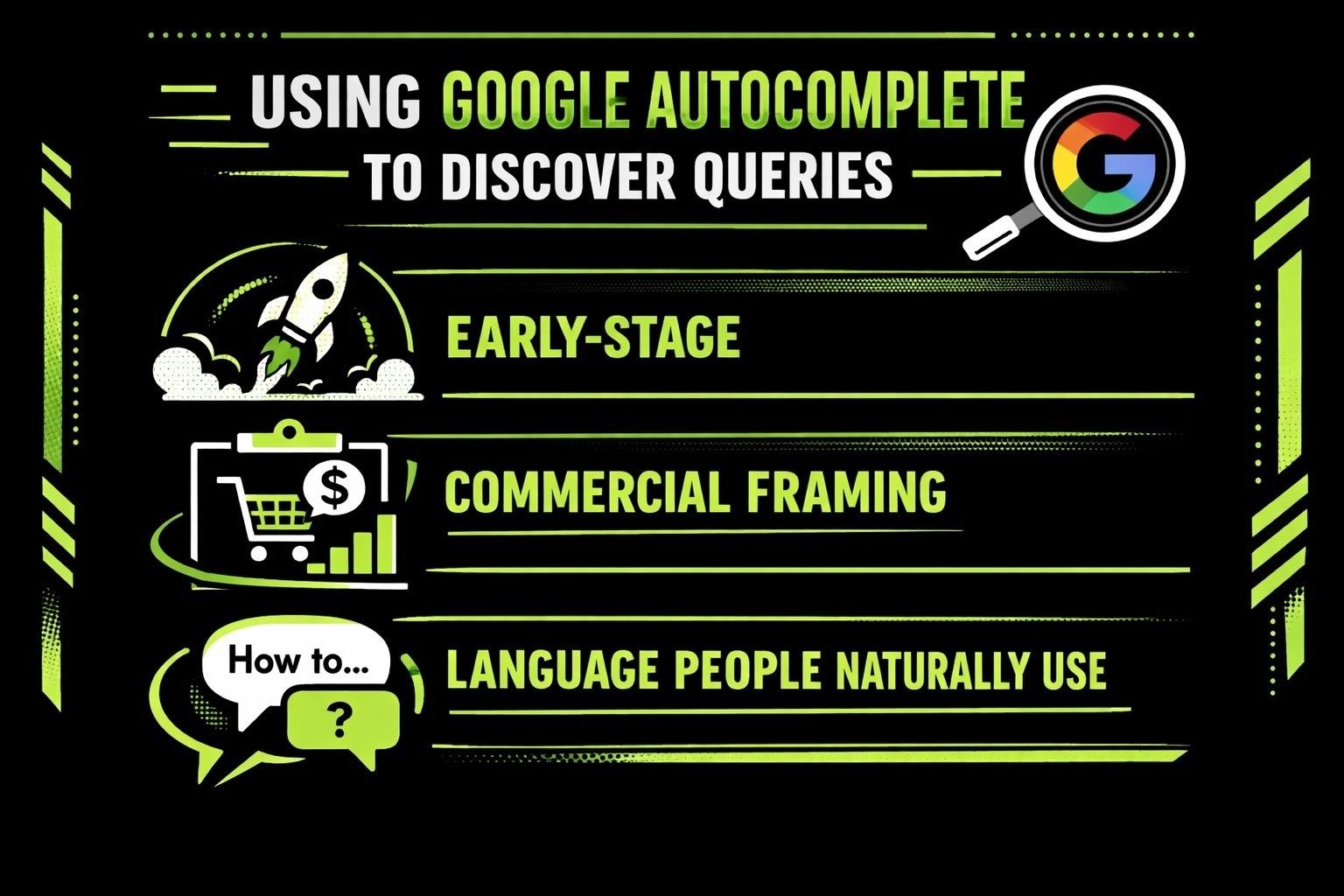
Those changes usually reveal:
- Early-stage vs late-stage intent
- Informational vs commercial framing
- Language people naturally use, not marketing language
Autocomplete is especially valuable for long-tail keywords that tools often group away or undervalue.
Reading The Search Results Page With Intent In Mind
Most people scan search results. That’s not enough.
When you search for a keyword in Chrome, the results page tells you what Google believes the query deserves. You should read it like a document, not a ranking list.
Pay attention to what kind of pages dominate the top results. If guides rank, Google wants depth. If tools rank, it wants solutions. If category pages rank, the intent is likely commercial, even if the wording sounds informational.
This step prevents a common mistake: targeting a keyword with the wrong content type.
How People Also Ask Reveals Topic Structure
Why This Box Is More Reliable Than Most Tools
The People Also Ask box is one of the most useful keyword discovery features Google offers, and it lives entirely inside Chrome. Unlike keyword tools that rely on sampled data, this section is shaped by real user behavior. These are not guesses or theoretical variations. They are questions people consistently ask after making the initial search.
That makes this box especially valuable when you want to understand how a topic unfolds naturally, not how it looks in a keyword database.
How Expanding Questions Exposes Real Search Paths
Each question in People Also Ask represents a genuine follow-up. When you click one, Google often adds new questions underneath, expanding the set in real time. After a few clicks, you’re no longer looking at a single keyword. You’re looking at a map of how users think through the topic.
This expansion shows:
- What users want to know first
- What they tend to ask once basics are covered
- Where confusion or uncertainty usually appears
Spending even five minutes here often reveals angles you wouldn’t think to target otherwise.
Where People Also Ask Helps Most in Content Planning
This section is especially useful for:
- Finding natural subtopics that clearly belong under the main query
- Understanding where users need clarification, examples, or reassurance
- Building article structures that feel complete instead of stretched
Because these questions are pulled directly from user behavior, they often align perfectly with how readers expect information to be organized.
Why You Should Keep the Questions as Written
Instead of rewriting these questions or trying to improve them, copy them exactly as they appear. The phrasing is already natural, familiar, and search-driven. In many cases, they work better as section headers than anything created through brainstorming or automation.
When you use People Also Ask this way, your content tends to feel clearer, more intentional, and easier to follow.
Why Scrolling to the Bottom of the Page Still Matters
Related searches at the bottom of the results page are not random suggestions. They show how Google groups topics and what users tend to explore next after making an initial search.
These queries often point to adjacent problems users care about, comparison-style angles they are considering, or alternative phrasing that doesn’t always show up in autocomplete or keyword tools. In many cases, they reveal how people refine their thinking once they’ve seen the first set of results.
A lot of strong keyword ideas live here because they sit just outside the obvious core query. They’re close enough to be relevant, but specific enough to support focused content that isn’t competing with every broad page in the space.
Using Chrome Extensions Without Letting Them Take Over
Chrome extensions can add useful context, but they should come after judgment, not before it. When numbers appear too early, it’s easy to mistake data for insight.
Overlay tools that show volume, CPC, or difficulty are helpful for validation, not decision-making. They can confirm whether an idea is worth exploring further, but they can’t tell you if a keyword actually fits your site, your audience, or your content goals.
A balanced approach works best when you search the keyword manually first, read the results page with intent in mind, and only then use extensions to sense-check opportunity. When extensions lead the process, keyword lists often look impressive on paper but struggle to perform in the real world.
Watching How Google Rewrites and Expands Queries
One subtle but powerful signal inside Chrome is how Google reframes your search.
Sometimes the results answer a slightly different question than the one you typed. That’s not a mistake. It’s Google correcting vague or imperfect phrasing based on how users actually behave.
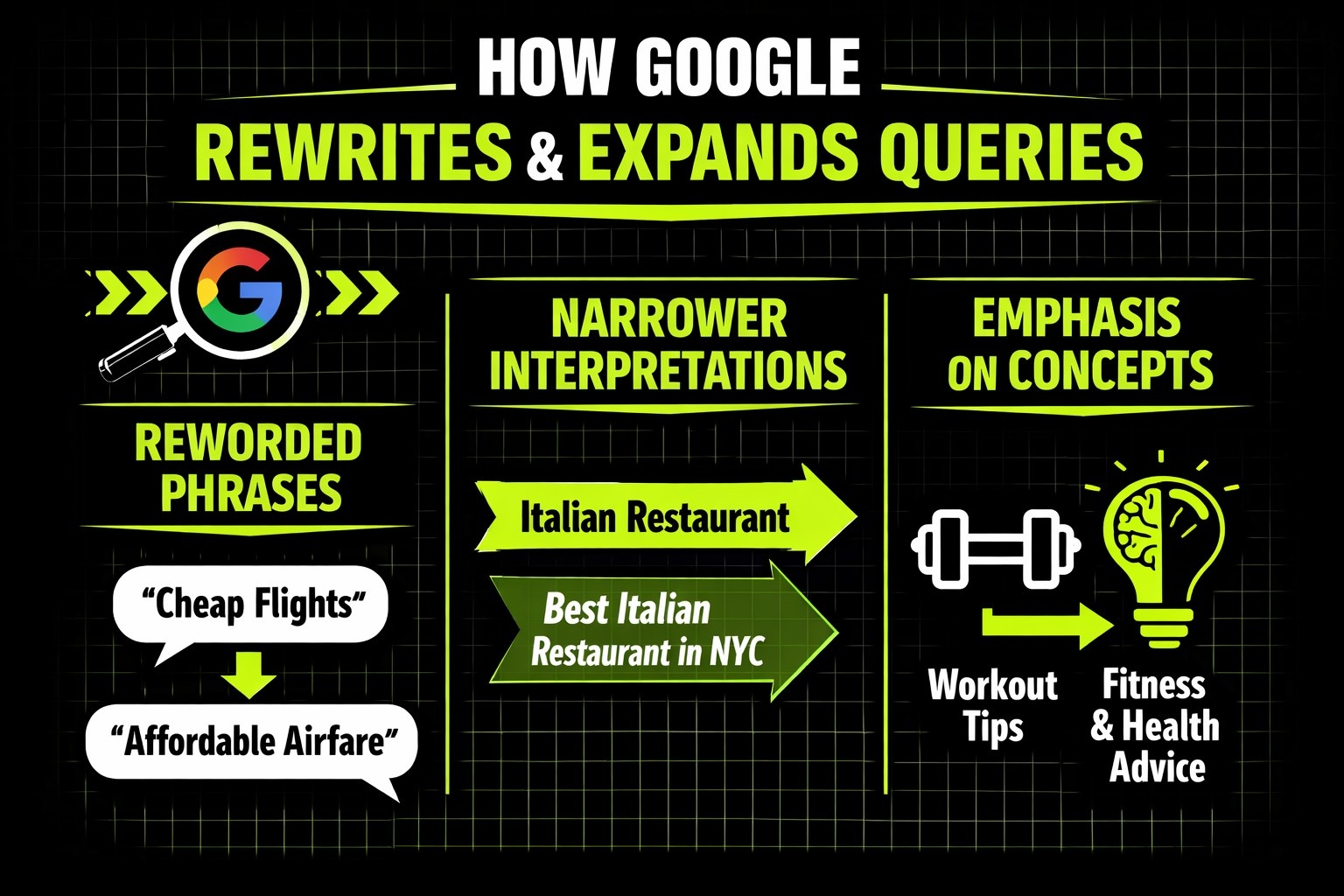
Watch for:
- Reworded phrases in snippets
- Broader or narrower interpretations of your query
- Emphasis on concepts you didn’t explicitly mention
If Google keeps reframing a query, targeting the refined version usually works better than forcing the original wording.
Separating Organic and Paid Thinking Early
Chrome makes it easy to blur the line between organic and paid keywords, especially when ads dominate the top of the page.
That separation matters.
Paid keywords usually signal urgency and transactional intent. Organic keywords often support learning, comparison, and early decision-making.
When doing keyword research in Chrome, focus on what ranks below the ads if your goal is organic growth. That’s where Google shows what it’s willing to rank long term.
Using Search Console as a Reality Check
Chrome is where you discover ideas. Google Search Console is where you see what’s already working.
After identifying keywords through Chrome, it helps to step back and look at your existing data. Review which queries are already generating impressions, especially those sitting just outside the first page. These often represent the fastest opportunities for improvement.
It’s also worth comparing how Google phrases queries versus how you naturally describe them. Small differences in wording can reveal why a page is underperforming or slightly misaligned. More often than not, the strongest keyword opportunities come from refining what you already rank for, not chasing entirely new terms.
Learning From Competitors Without Copying Them
Chrome puts competitor pages directly in front of you. Use that to your advantage.
Instead of copying content, study structure. Look at what competitors explain early, what they gloss over, and where they stop short.
If every page covers the same basics, depth is an opportunity. If every page is long and detailed, clarity and focus can win.
Chrome makes these gaps obvious if you take the time to read.
A Simple Chrome-Based Keyword Research Flow
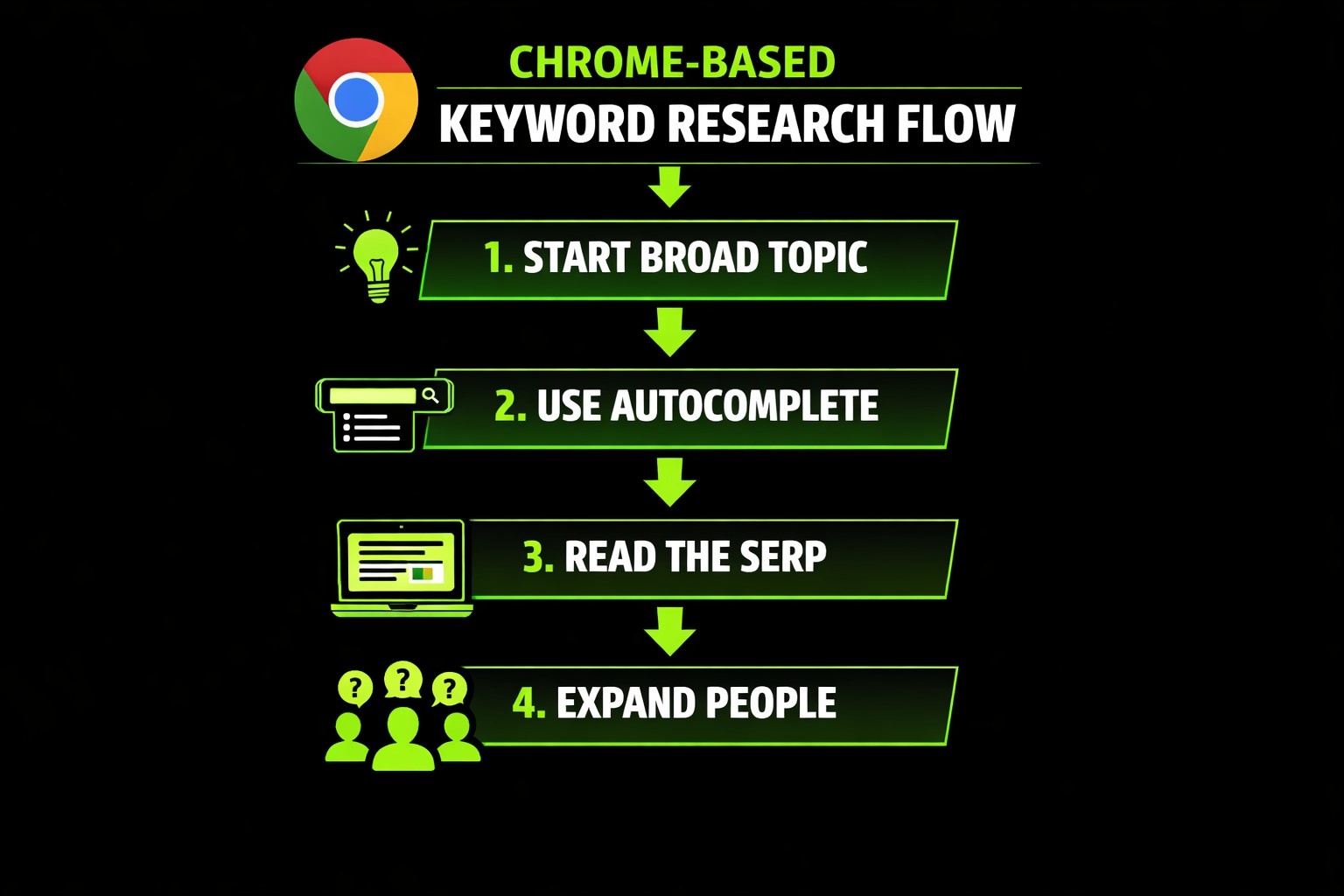
This process works because it mirrors how search actually behaves in the real world, not how tools present it on a dashboard. Each step builds on the previous one, helping you filter ideas before investing time in deeper analysis.
- Start with a broad topic in Chrome and observe how Google frames it
- Use autocomplete to find natural phrasing and common modifiers
- Read the SERP to understand intent, content type, and competition
- Expand People Also Ask questions to uncover related subtopics and follow-ups
- Review related searches at the bottom of the page to spot adjacent ideas
- Validate with tools only after you’ve formed a judgment
Nothing here is complicated or overly technical. The value comes from the sequence, not from sophistication or advanced tooling.
Why Professional Keyword Research Makes The Difference With Lengreo
Keyword research looks simple on the surface, but doing it well requires experience. This is why we believe it should be handled by professionals, not treated as a quick task anyone can knock out between meetings.
At Lengreo, we approach keyword research as a strategic discipline, not a checklist. When we analyze competitors, we’re not interested in copying their pages or chasing the same keywords blindly. We look at how Google positions them, what intent they satisfy, and where their coverage falls short. That’s where real opportunities tend to appear.
We study SERPs the way users actually experience them. We pay attention to which formats dominate, which angles are overused, and which questions remain unanswered. That context drives everything that follows, from keyword prioritization and content structure to how SEO connects with paid campaigns and demand generation.
This mindset runs through all our work. Whether we’re building long-term SEO strategies, supporting lead generation, or aligning organic efforts with paid media, we focus on relevance, timing, and alignment with real business goals rather than raw search volume.
That’s how we’ve helped software companies scale client acquisition, generated hundreds of qualified opportunities through targeted outreach, and delivered consistent growth in competitive industries like SaaS, cybersecurity, biotech, and Web3. When keyword research is handled professionally, it stops being reactive and starts working as a strategic advantage.
Final Thoughts
Google Chrome will never replace full SEO tools, and it shouldn’t. But skipping Chrome and jumping straight into data almost always leads to weaker decisions.
The browser shows you real language, real intent, and real competition. That context keeps keyword research grounded and relevant, even as tools and algorithms change.
If you want keyword research that holds up over time, start where users start. Inside Google Chrome.