


SEO isn’t just about picking keywords and hoping for the best. Timing, intent, and trend awareness matter just as much – sometimes even more. That’s where Google Trends comes in. It doesn’t just tell you what people are searching for; it shows when and where those searches spike, fade, or shift.
If you’ve ever wondered why some blogs seem to nail perfect timing or why certain competitors always catch a traffic wave before you even knew it existed, odds are they’re paying attention to search trends. In this guide, we’ll break down how to actually use Google Trends in a way that helps your content hit harder, rank faster, and stay relevant longer. No fluff, just useful tactics you can act on.
What Google Trends Really Tells You
Before we get into tactics, it’s worth clearing something up. Google Trends doesn’t give you raw search volume like other keyword tools. Instead, it shows relative interest over time, on a scale from 0 to 100.
That means you’re seeing how popular a term is compared to its own past, not how many times it’s been searched overall. It’s more about trajectory than size. And once you get used to that idea, it becomes a goldmine.
A spike to 100 means this was the moment of highest relative search interest for that term in your selected time range, not the absolute number of searches.
Why Trends Matter in SEO
Search behavior isn’t static. What people look for, how they phrase it, and when they search can shift fast. And if you’re only relying on monthly averages from traditional keyword tools, you’re missing those shifts entirely.
Here’s what Google Trends helps you catch:
- When a keyword is gaining traction, even before volume stats catch up.
- How interest changes throughout the year (seasonality).
- Regional quirks in phrasing or popularity.
- Related search patterns that can inform content clustering.
That kind of insight lets you write content before people ask for it, or refresh existing pieces to stay current without rewriting from scratch.
How We Think About Search Trends at Lengreo
At Lengreo, our SEO approach is rooted in understanding real user behavior and how it changes over time. We don’t chase vanity metrics or rely on guesswork. Instead, we study patterns, signals, and tools that show what people are searching for and when their interest shifts.
Part of that is staying aware of broader search trends across the web. That might come from tools that show how interest rises or falls for certain topics, or from combining insights across keyword research, site performance data, and content engagement. That way, when we build campaigns or map out content calendars, we’re not just reacting to yesterday’s data – we’re thinking ahead, looking for patterns that can shape what we create and when we publish it.
For us, it’s about timing, relevance, and context. That mindset helps us align SEO work with real search behavior, no matter which platforms or tools we use to surface trends.
What Makes Google Trends Different and Worth Your Time
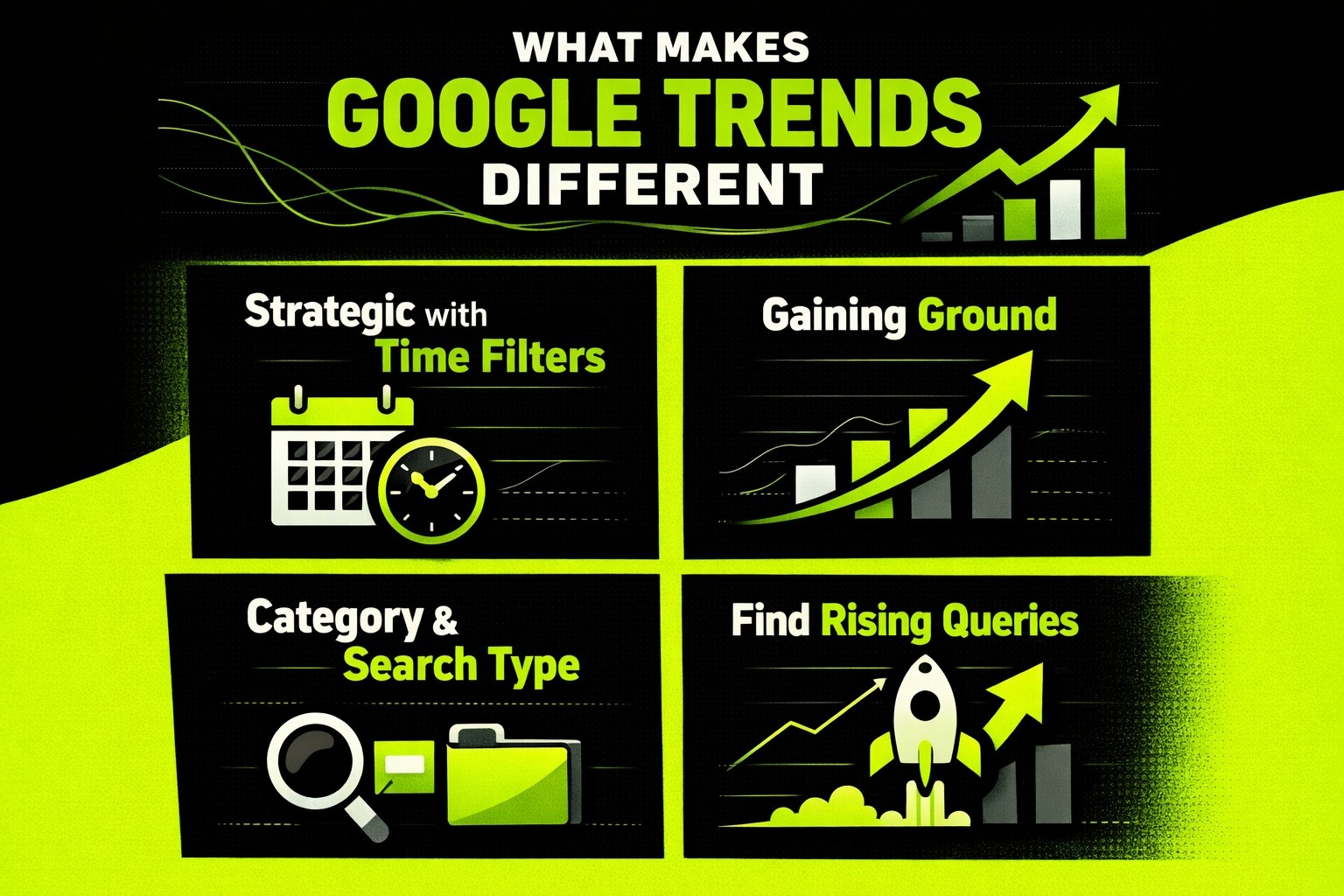
There are plenty of SEO tools out there that give you keyword data, but most of them show static numbers. Google Trends is built for movement. It lets you track how search interest rises, falls, or explodes over time, and that shift in perspective is what makes it powerful. Here are a few tips to keep in mind.
1. Get Strategic with Time Filters
This is where most users go wrong: they leave the default time filter on “past 12 months.” That’s too narrow to spot yearly patterns and too broad to catch sudden jumps.
Here’s how to think about time ranges:
- Past 5 years: Great for spotting annual patterns and long-term trends.
- Past 90 days: Helps you catch early signals in search behavior.
- Past 7 days or past day: Useful for trending topics or news-driven content.
If you search for “backpack” over the past 5 years, you’ll notice a sharp climb every July and August. That’s back-to-school season. If you were creating content around school gear, you’d want to start planning in May or June, not August when the wave is already breaking.
2. Compare to See What’s Gaining Ground
You can stack up to five keywords in Google Trends and see how they perform over time. This isn’t just a fun curiosity – it helps you make real SEO decisions.
Say you’re writing for a fitness blog. You’re choosing between “HIIT workouts”, “Home workouts”, and “Bodyweight exercises”.
Drop them into Trends and compare their performance. You might find that “home workouts” spiked during the pandemic and then faded, while “HIIT workouts” show consistent, steady growth. That tells you where to focus evergreen content versus what might be a temporary play.
Also, comparing related terms can surface regional language preferences. For example: “sneakers” vs “trainers” (US vs UK) or “winter coat” vs “parka” vs “jacket” (regionally dependent).
3. Use Category and Search Type Filters the Right Way
A common mistake is forgetting to filter for context. A keyword like “apple” can mean a fruit, a tech company, or even a band. Google Trends lets you refine by category (like Food & Drink, Consumer Electronics, etc.) so the results actually make sense.
You can also change the search platform:
- Web Search is the default.
- YouTube Search is useful for video content ideas.
- News Search helps with current events.
- Image or Shopping for eCommerce angles.
Planning a YouTube tutorial or explainer video? Switch to YouTube Search in Google Trends to see which phrases are getting traction in that space. The phrasing might be totally different from what’s popular in web search.
4. Find Rising Queries Before They Explode
At the bottom of most Google Trends pages, you’ll see Related Queries and Related Topics. These are often the best parts.
If a keyword is marked “Breakout”, it means search interest has increased dramatically – typically by more than 5000% – often because it was previously rare or non-existent. Writing content around it early gives you a real shot at first-mover advantage.
You can sort by:
- Top: The most searched related queries overall.
- Rising: The fastest-growing related terms.
Here is an example. If “gut health” is trending and one of the rising queries is “prebiotic vs probiotic,” that’s a clear signal to create a comparison post or explainer. You’re not guessing – you’re building based on what people are actively starting to ask.
5. Map Out Seasonality Like a Pro
Seasonal trends are predictable once you know what to look for. And Google Trends makes it obvious with its line graphs. You’ll see recurring peaks every year for things like “Christmas recipes”, “tax filing deadline”, or “Halloween makeup ideas”.
But the value here isn’t in knowing that something spikes. It’s in knowing when the spike starts.
For SEO, content needs to be indexed and ranked before the search volume peaks. That means publishing Christmas content in October, not December.
Here’s a simple planning flow. Review 3-5 years of data for your target term. Identify the start of the curve, not just the peak. Backdate your content production by at least 6-8 weeks.
6. Geo-Targeting Made Easy
If you’re serving specific markets or regions, Trends lets you zoom into geographic interest down to the city or metro area. You might notice:
- “Swimming lessons” has more traction in coastal cities.
- “Heating repair” peaks in colder states.
- “College admissions help” varies heavily by region and season.
This is especially helpful for:
- Local SEO.
- National brands targeting regional campaigns.
- Content localization (changing wording or examples).
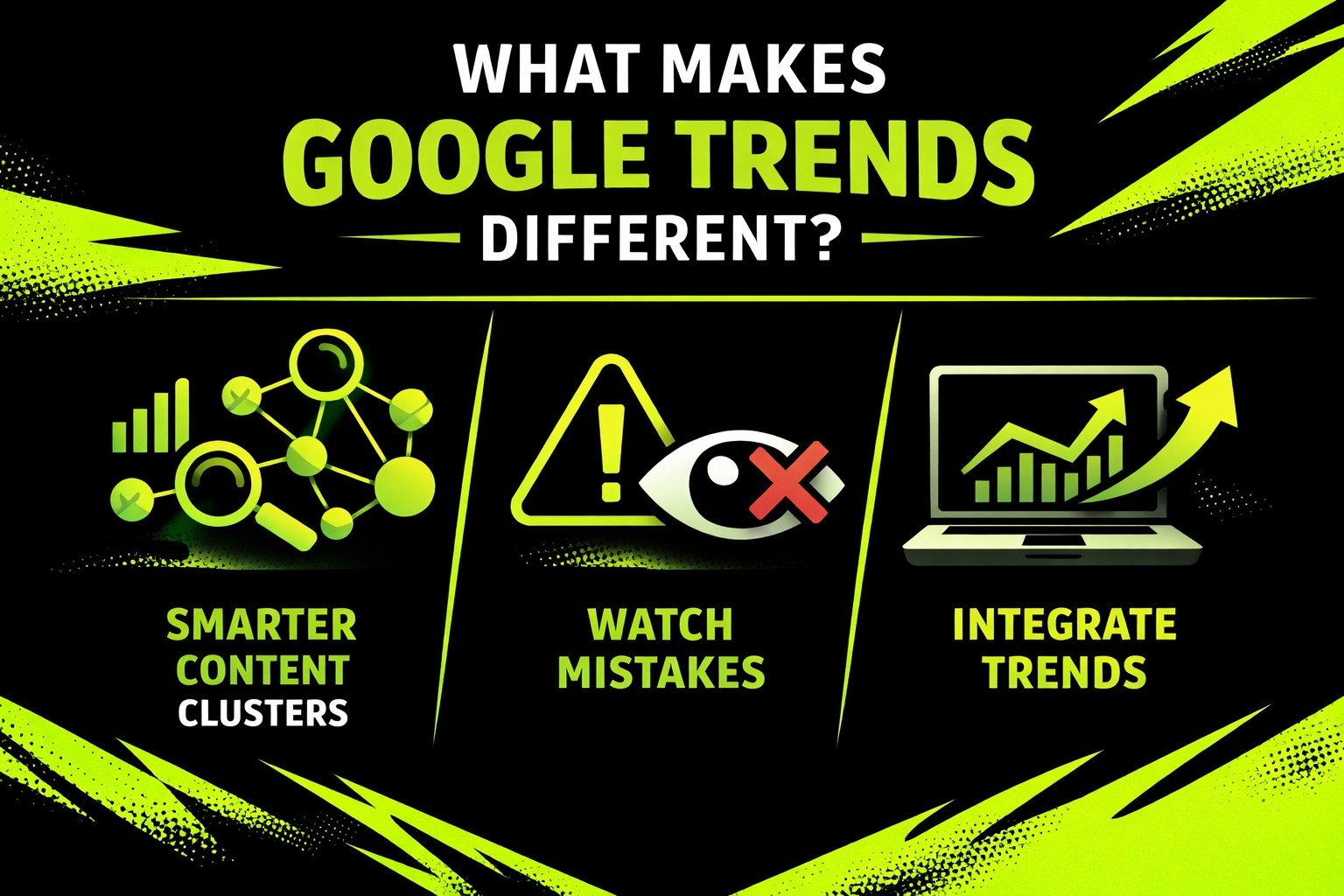
7. Build Smarter Content Clusters
Google Trends also helps you create better topic clusters around your core keywords. If you’re writing about “digital marketing,” related topics might include:
- “SEO strategy”.
- “Social media campaigns”.
- “Email automation tools”.
Each of those could be its own article or subpage, all linked together with internal navigation. This strengthens topical authority and makes your site easier to crawl and understand for search engines.
When using Trends for this:
- Look at Related Topics, not just queries.
- Explore each subtopic individually to gauge demand.
- Build a content map based on actual user interest flows.
8. Watch Out for Common Mistakes
Google Trends is simple, but it’s easy to misread the data if you’re not paying attention. Here are a few things to avoid:
- Overreacting to short-term spikes: A trend over 7 days might not mean anything long-term. Check the 12-month and 5-year views to get context.
- Forgetting to filter by region: A breakout term in Canada might not matter if you’re targeting a US audience.
- Not using category filters: Misleading results happen when you skip these. “Python” can be a snake or a coding language depending on context.
- Treating trends like volume data: Google Trends shows interest, not exact search numbers. Use it to validate timing, not to estimate traffic potential.
9. Integrate Trends into Your SEO Workflow
Google Trends works best when you don’t treat it as a standalone tool. Use it alongside Google Search Console (to check how trends align with your site’s performance), keyword research tools, your content calendar (plan ahead based on seasonal patterns), and social media listening tools (for cross-channel trend spotting).
You don’t need to check it daily. But reviewing it monthly or whenever you’re starting a new content push can reveal gaps you wouldn’t have seen otherwise.
Final Thoughts
Google Trends isn’t magic. It won’t tell you what to write word-for-word or give you instant rankings. But it will make you a more informed SEO if you know how to use it.
It’s free, fast, and incredibly underused. And when paired with your existing workflow, it helps you move from reactive content marketing to proactive strategy.
The next time you’re stuck trying to decide between two blog topics, curious about whether a keyword is fading, or planning ahead for a product launch – give Google Trends a look. You might be surprised by what people are already searching for.